
Sailing with a Garmin Watch (2026): Setup, Recording & Analysis
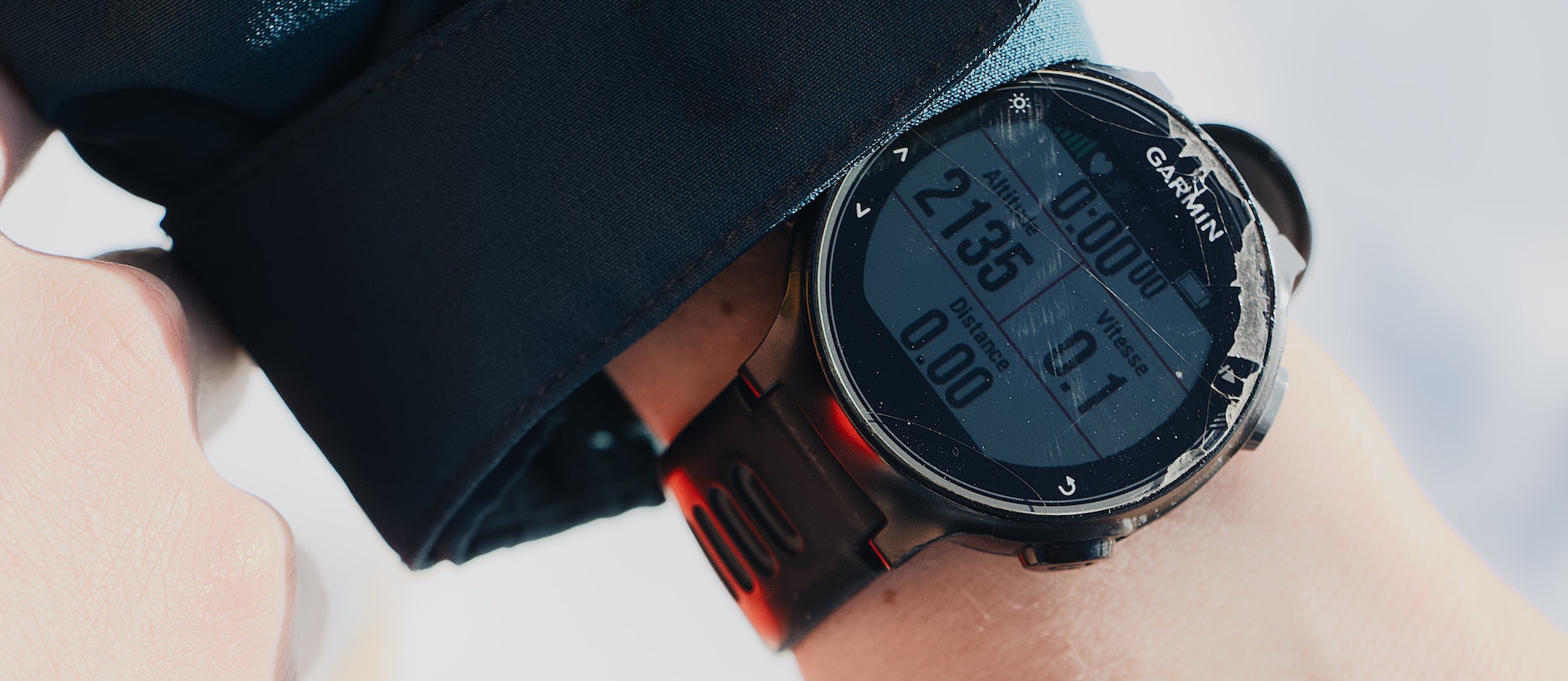
Your Garmin watch is one of the best sailing GPS trackers you can own. It's already on your wrist, it's waterproof, it has a precise GNSS receiver, and it syncs automatically once you're back ashore. With ChartedSails, you can turn every sail into a structured replay — speeds, angles, maneuvers, leg-by-leg race analysis — without buying a single piece of extra hardware.
This guide covers everything you need: which Garmin watches work best for sailing, how to set up a Sailing activity, the recording settings that matter for racing, and how to get your data into ChartedSails.
Which Garmin watch is best for sailing?
The short answer: any modern Garmin GPS watch records perfectly good sailing tracks. The differences come down to battery life, build, and a few features that matter on the water.
- Garmin Fēnix 7 / Fēnix 8 / Epix — Top-of-the-line, multi-band GNSS, dozens of hours of GPS-on battery, hardened build. Overkill for a club race, perfect for a long offshore. Best Garmin watch for sailing if budget isn't a constraint.
- Garmin Instinct 2 / Instinct 3 / Instinct Crossover — Rugged, simple, long battery life, MIL-STD-810 build. Excellent value for racing dinghies and one-designs where the watch will take a beating.
- Garmin Forerunner 255 / 265 / 955 / 965 — Light, comfortable, good GPS. Built for running but works fine for sailing if you add a Sailing activity (see below).
- Garmin Venu / Vivoactive — Lifestyle watches with GPS. They'll record a track, but battery life under continuous GPS is the limit — fine for a 2-hour race, tight for a full day.
- Garmin Quatix series — Garmin's "marine" line. Same internals as Fēnix with extra autopilot/MFD integration. Worth it if you're cruising on a boat with a Garmin chartplotter; otherwise the Fēnix is the same watch for less money.
What you don't need to worry about: chartplotting, sail-specific instruments, or compass features. The watch's job is to record where you went and how fast. ChartedSails does the analysis.
Set up a Sailing activity
ChartedSails only imports Garmin activities whose name contains sail, kite, foil, or wing — case-insensitive. That keeps your runs and bike rides out of your sailing account, and it covers anything like "Morning Sail" or "Wing Foiling".
Some Garmin watches ship with Sailing as a built-in activity (Quatix, recent Fēnix). If yours doesn't, add it once and you're set:
- Press START to open your activity list.
- Scroll to the bottom and pick Add.
- The watch will ask which existing profile to base the new one on. Pick Other (or SUP / Kayak if those are available — they have similar settings).
- Name the activity Sailing (or Kiting, Foiling, Winging).
- Pick a color and save.
From then on, when you head out, press START, scroll to Sailing, and press start again to begin recording.
Recording settings that matter
Out of the box, most Garmin watches use smart recording — they save a GPS point every few seconds, more frequently when something interesting changes. For everyday cruising that's fine. For racing, you want more resolution.
The recording interval is a system-wide setting on Garmin — not per-activity. To switch it to 1Hz:
- Hold UP (or press START and open the menu, depending on your model) to open the main menu.
- Go to Settings.
- Select System.
- Select Data Recording.
- Change Recording Interval to Every Second.
That applies to every activity from then on. One-second recording gives ChartedSails enough resolution to detect every tack, gybe, and mark rounding, and to produce accurate VMG and speed numbers. The battery cost is modest — a Fēnix records 30+ hours at 1Hz, an Instinct even longer.
If your watch supports multi-band GNSS, leave it on for racing. The position fix is noticeably better near tall masts or close to obstructions.
Race starts
Want a countdown timer that resets on the gun? Most Garmin Sailing activities include one. On Fēnix and Quatix, the Race Timer field shows time-to-start; on Instinct you can add it as a data field. Use it like a regatta countdown — sync to the gun, sail to time and distance to line.
To mark the start in your file, press the Lap button at the gun. The watch saves a lap marker at that moment, and ChartedSails reads it as the race start when the FIT file syncs — so the prestart, start, and beat timing all line up automatically. Full walkthrough in our mark race starts with the lap button doc.
Connect Garmin Connect to ChartedSails
Once your watch is set up, link your Garmin Connect account to ChartedSails:
- Sign in to ChartedSails and open your profile's Garmin tab.
- Click "Connect Garmin" and follow the Garmin Connect login.
- Authorize ChartedSails to read your sailing activities.
That's it — every future activity labeled "Sailing" will sync automatically to ChartedSails within a few minutes of your watch syncing to your phone.
Pro tip: If you see an infinite spinner during Garmin authorization on Chrome, it's a known issue between Chrome and Garmin Connect. Visit Garmin Connect first, log out, then retry the connection from ChartedSails.
What you get in ChartedSails
When the activity arrives in ChartedSails, you get:
- A full track replay with speed-over-ground and heading at every moment.
- Automatic maneuver detection — every tack and gybe broken out with entry / exit speeds, VMG loss, and turn time.
- Automatic race detection when you sail a course — start, beats, runs, mark roundings, leg-by-leg numbers.
- Wind detection from your track shape, so you get true wind angles and VMG without an instrument cable.
- A shareable Sailing Report PDF that wraps the day into a structured debrief.
If you're sailing with other crew or other boats running Garmin watches, ChartedSails will line up the tracks side-by-side so you can compare lanes, speed, and angles in the same conditions.
Troubleshooting
My activity didn't sync to ChartedSails. Check two things: (1) was the activity labeled exactly "Sailing"? (2) Did the watch sync to Garmin Connect first? ChartedSails pulls from Garmin Connect, so if it's stuck on your watch we can't see it yet.
My track has gaps or shows odd spikes. Usually a multi-band GNSS issue or smart-recording artifacts. Switch to 1Hz recording in the activity settings.
ChartedSails detected the wrong start line / course. You can edit any of this in the session — drag the start line, move marks, or re-detect. ChartedSails will recompute the leg-by-leg numbers.
More Garmin guides
Step-by-step docs for each piece of the Garmin setup:
- Connect Garmin in the ChartedSails app — link your Garmin Connect account in 60 seconds.
- Create a Sailing activity on your watch — for watches that don't ship with one.
- 1Hz recording settings — the system-wide change that gives ChartedSails the resolution it needs.
- Mark race starts with the lap button — what to press and when.
- Download an activity from Garmin Connect — manual fallback when sync isn't an option.
Sailing with other devices
ChartedSails supports a wide range of sailing GPS hardware. If you also race with one of these, set them up the same way:
- Sailing with an Apple Watch — with Open GPX Tracker
- Sailing with a Vakaros Atlas — Atlas 2 and Atlas Edge
- Sailing with a Velocitek Prostart — Prostart and SpeedPuck
See all sailing devices we support →
Questions? Email us — we read every message.